浅谈iOS游戏的汉化

基于windows平台的游戏汉化,软件汉化已经比较成熟,网上的教程攻略,帖子也非常多。但是基于iOS平台的软件汉化网上却鲜有资源。我这里想说的是两个比较另类的软件汉化方法。由于项目有些久远,记忆有些偏差,可能有部分内容记录的会有问题。

1. 跨平台游戏的汉化

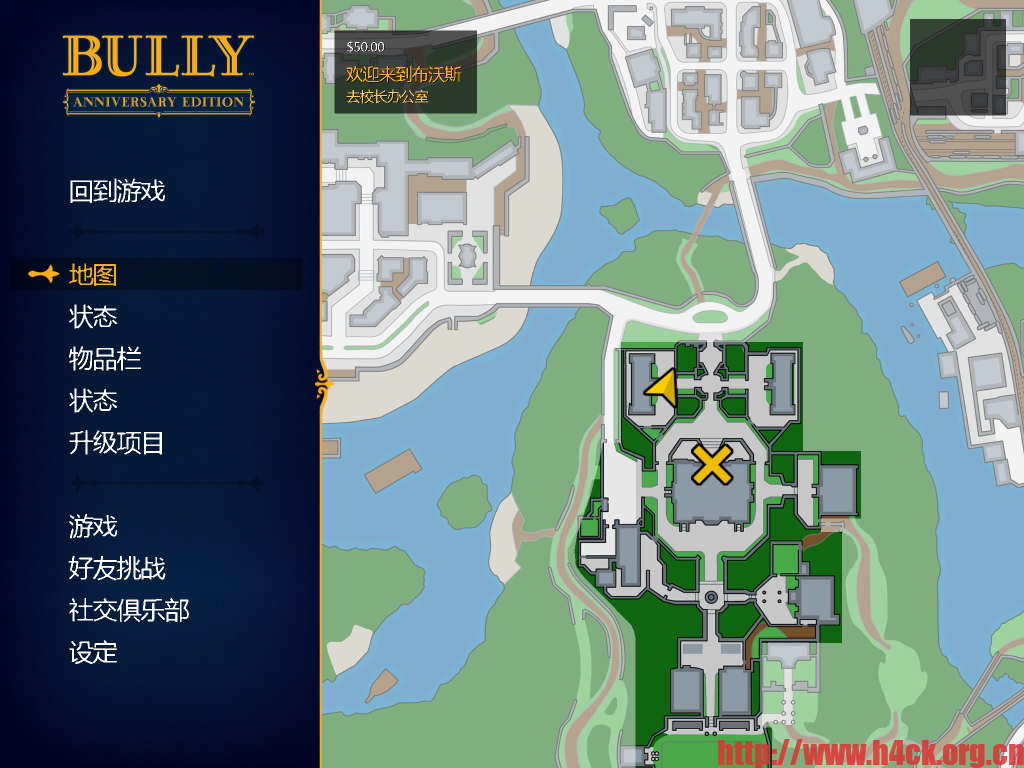
多数跨平台的游戏,可执行文件资源可能都是基于同一套代码编译。那么对于跨平台游戏的汉化可以采用借尸还魂的方法。当然该方法可能并不通用,智能能够借尸还魂还要看具体的游戏。例如恶霸鲁尼,这款游戏其实是跨平台的游戏,在我要汉化这款游戏的时候Windows平台的游戏已经有3dm的汉化版本。为了提高汉化速度和减少工作量,就可以采用使用3dm已经汉化的资源替换iOS版本的资源的方式进行汉化。 汉化后效果(iPad截图):


Continue Reading

WordPress 优化404页面

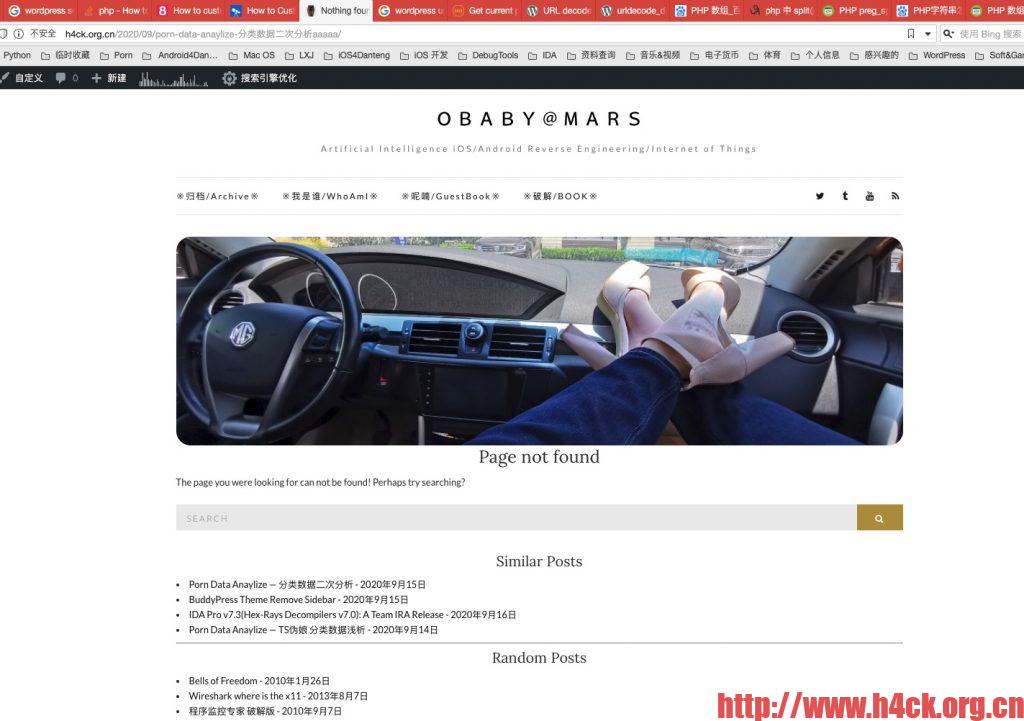
wordpress主题自带的404页面过于简单,只是显示了一个page not found,左侧区域空荡荡的,与右侧的侧边栏搭配丑的一p。于是就尝试进行改造了一下,第一次改造在404页面加了下部的随机文章。代码如下:

<!-- 显示随机文章 -->
<h4 class="entry-title">
<?php esc_html_e( 'Random Posts' , 'olsen-light' ); ?>
</h4>
<div>
<?php           
                        $args = array( 'numberposts' => 20, 'orderby' => 'rand', 'post_status' => 'publish' );
                        $rand_posts = get_posts( $args );
                        foreach( $rand_posts as $post ) : ?>
    <li><a href="<?php the_permalink(); ?>"><?php the_title(); ?> - <?php the_modified_date(); ?></a></li>
<?php endforeach; ?>
</div>

Continue Reading

BuddyPress Theme Remove Sidebar

主体自带了buddypress插件,于是整体的就多了一个buddypress的成员页面,但是由于我的侧边栏比较长,那么这个页面看起来就非常的蛋疼,左侧的内容只有一点点,右边长的一p。于是就想改一下去掉侧边栏,大致搜了以下没有找到合适的插件,那就只能自己动手了。根据这篇文章的内容可以知道,影响页面的其实是page.php。那么直接对page.php动手,参考这篇文章的内容,可以创建一个子主题来实现相关功能,我没有安装插件也不想创建什么新的子主题了,直接在原始的文件上动手。解决问题的方案也比较简单,判断当前页面是不是buddypress相关的页面然后根据情况进行处理即可。
文章中提到了这么一个函数:bp_is_blog_page(),参考http://hookr.io/functions/bp_is_blog_page/的说明:

You can tell if a page is displaying BP content by whether the current_component has been defined.

Continue Reading

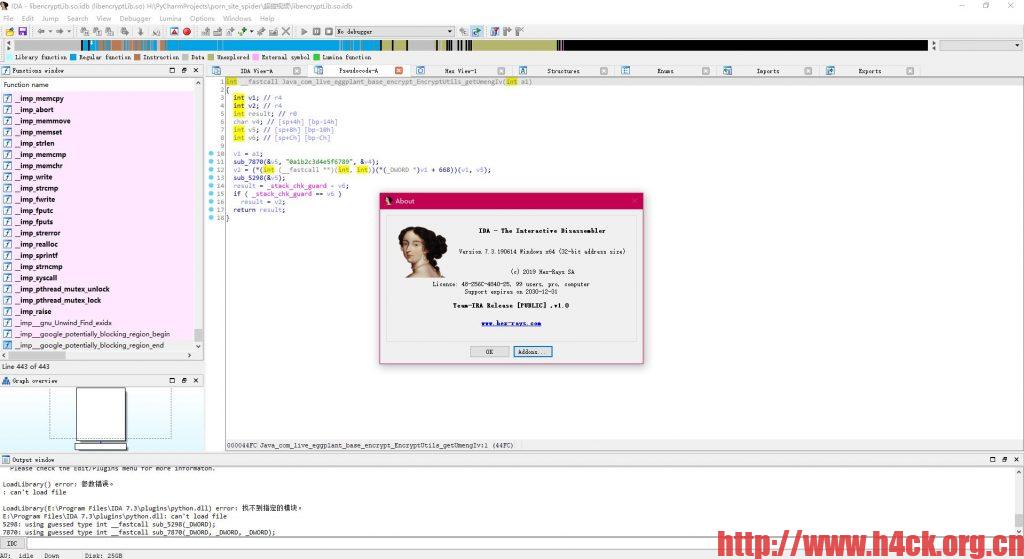
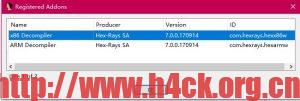
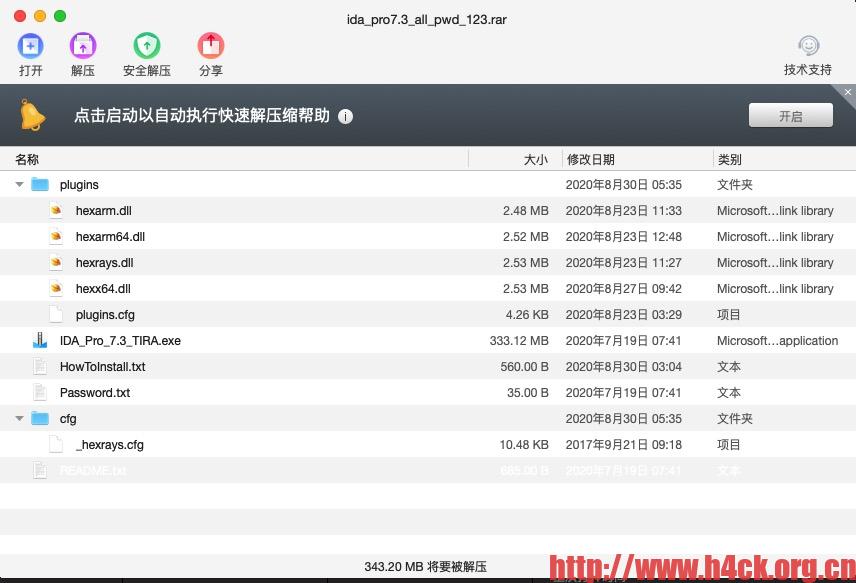
IDA Pro v7.3(Hex-Rays Decompilers v7.0): A Team IRA Release

How to install ida+decompilers:
1) Install the provided setup. Simply double click on the executable and use
the provided password.
2) Copy the plugins directory to the installed directory.
3) copy the cfg directory to the installed directory.
4) try the dsync plugin provided. Open the file you wish to decompile, press f5 to decompile. Press ctrl-shft-s to sync decompiler and disassembler views. Select a linein the decompiler and the corresponding disassembly lines will be highlighted. For more info on this plugin google dsync git.

Continue Reading

BeautifulSoup抓取js变量

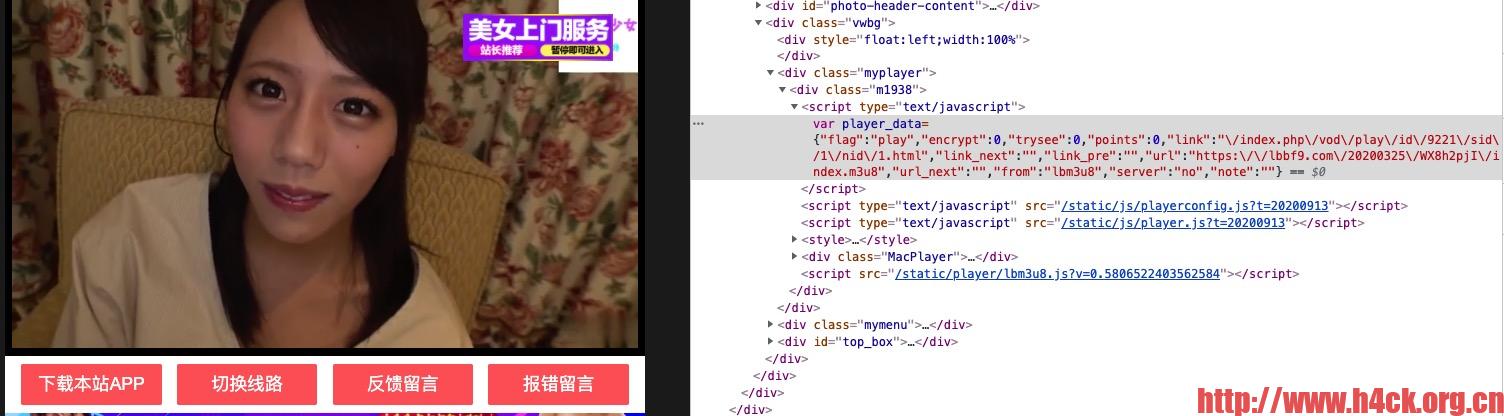
页面代码:

< div class="myplayer" >
< div class="m1938" >
< script type="text/javascript" >var player_data={"flag":"play","encrypt":0,"trysee":0,"points":0,"link":"\/index.php\/vod\/play\/id\/9221\/sid\/1\/nid\/1.html","link_next":"","link_pre":"","url":"https:\/\/lbbf9.com\/20200325\/WX8h2pjI\/index.m3u8","url_next":"","from":"lbm3u8","server":"no","note":""}< /script >        < script type="text/javascript" src="/static/js/playerconfig.js?t=20200913" >< /script >< script type="text/javascript" src="/static/js/player.js?t=20200913" >< /script >
< style >.MacPlayer{background: #000000;font-size:14px;color:#F6F6F6;margin:0px;padding:0px;position:relative;overflow:hidden;width:100%;height:100%;min-height:100px;}.MacPlayer table{width:100%;height:100%;}.MacPlayer #playleft{position:inherit;!important;width:100%;height:100%;}< /style >
< div class="MacPlayer" >< iframe id="buffer" src="" frameborder="0" scrolling="no" width="100%" height="100%" style="position: absolute; z-index: 99998; display: none;" >< /iframe >< iframe id="install" src="" frameborder="0" scrolling="no" width="100%" height="100%" style="position:absolute;z-index:99998;display:none;" >< /iframe >
< table border="0" cellpadding="0" cellspacing="0" >
< tbody >
< tr >
< td id="playleft" valign="top" style="" >< iframe width="100%" height="100%" src="/static/player/dplayer.html" frameborder="0" allowfullscreen="true" border="0" marginwidth="0" marginheight="0" scrolling="no" >< /iframe >< /td >
< /tr >
< /tbody >
< /table >
< /div >
< script src="/static/player/lbm3u8.js?v=0.5806522403562584" >< /script >< /div >
< /div >

Python代码:

from bs4 import BeautifulSoup as bs
import re
import json
import requests

def get_m3u8_link(url):
    # 直接正则匹配
    print('_' * 70)
    print('[A] 解析播放地址......')
    html_doc = get_url_source_code(url)
    bs = BeautifulSoup(html_doc, "html.parser")
    pattern = re.compile(r"var cms_player = {(.*?);$", re.MULTILINE | re.DOTALL)
    surls = bs.find('script', text=pattern)
    js_string = str(surls.text).replace('var cms_player = ', '').replace(';', '')
    json_data = json.loads(js_string)
    m3u8_link = json_data['url']
    title = bs.title.string
    print('[A] 标题:' + title)
    print('[A] 播放地址:' + m3u8_link)
    print('_' * 70)
    return m3u8_link, title

Continue Reading

更新Blog服务器配置

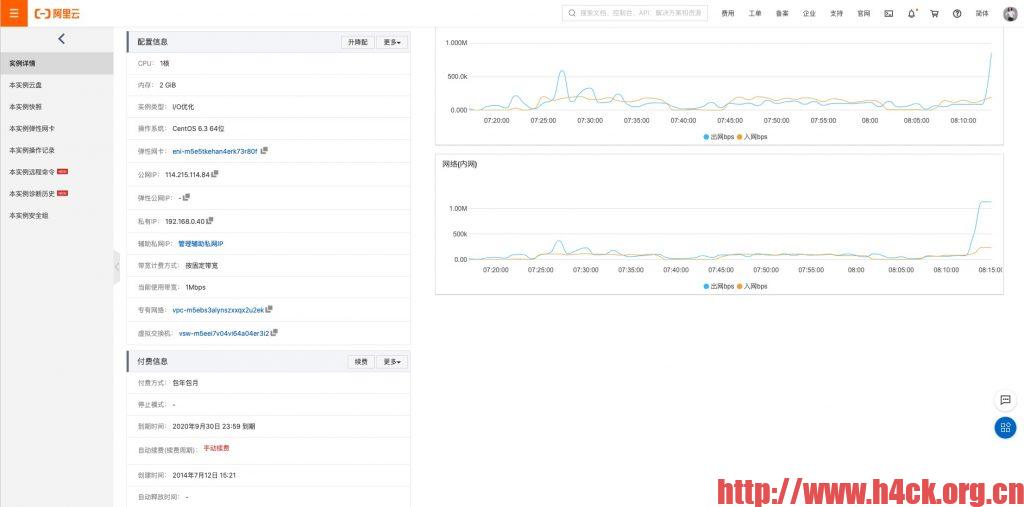
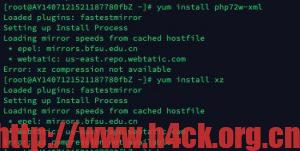
从14年开始使用这台vps服务器,最近发现jetpack出了问题。貌似是更新php版本之后,新的php-xml模块没有安装,尝试更新相关模块的时候首先要更新epel-release,问题是更新了epel-release之后yum命令就挂了,提示找不到xz!

于是问题就演化成了先有鸡还是先有蛋的问题,如果要解决这个问题那么:

  1. 删除epel-release 7,安装6,然后yum安装xz,xz安装成功之后更新epel-release
  2. 直接编译安装xz:
    wget https://sourceforge.net/projects/lzmautils/files/latest/download?source=typ_redirect  
    mv download\?source\=typ_redirect xz.gz tar -zxvf xz.gz  
    make &make install
    
Continue Reading